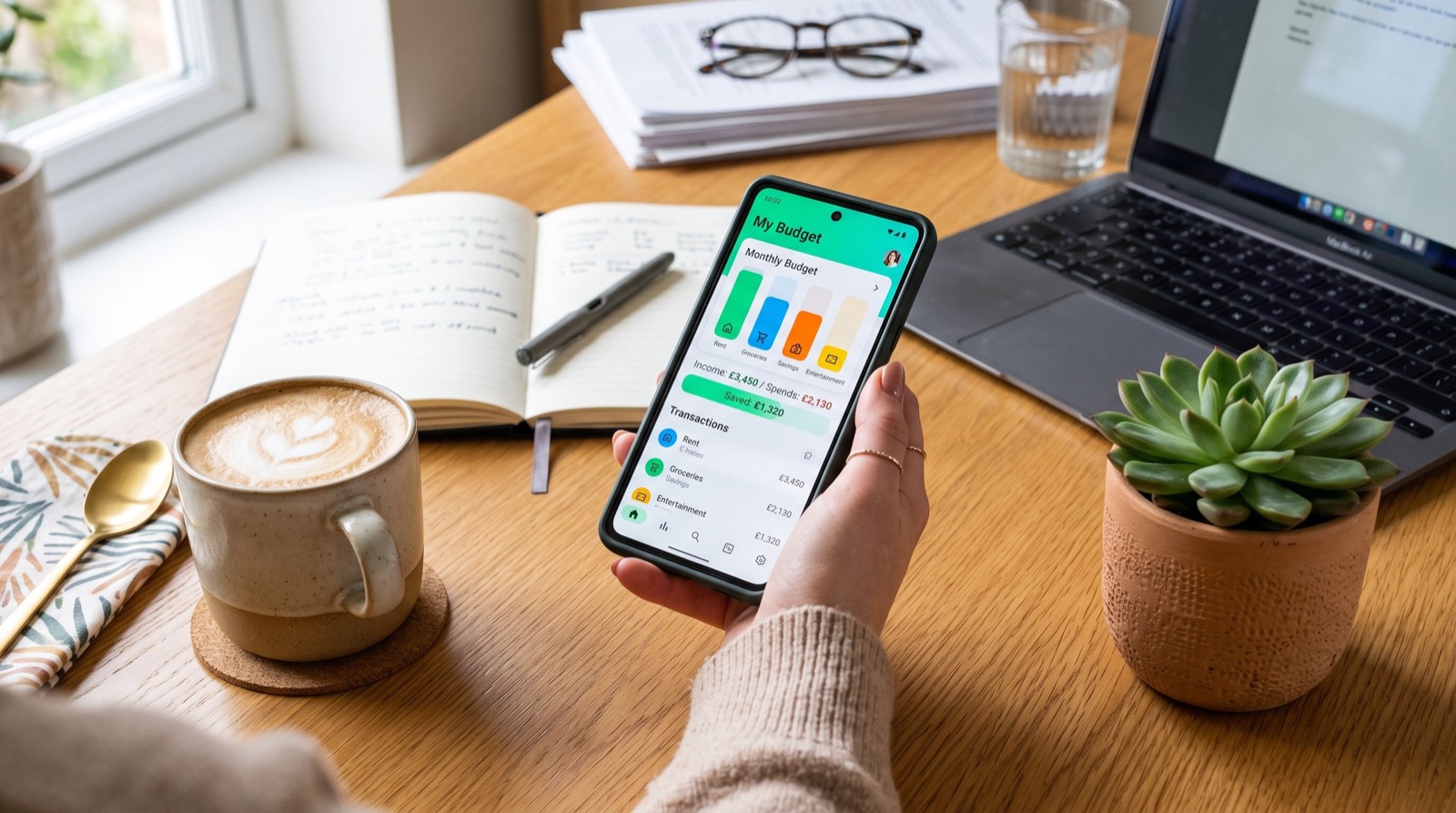
Smart money apps have quietly changed how Americans save, spend, and plan in 2026, turning the smartphone into a pocket-sized financial coach. Instead of wrestling with spreadsheets or shoeboxes of receipts, you can now automate savings, track every dollar, and get nudged before you overspend. The catch is that using these tools well requires strategy, not just a download.
This guide focuses on the money-saving side of finance apps, showing how to squeeze real value from the features most people ignore. We will explore round-ups, spending alerts, cash-back tools, and the automation tricks that build savings on autopilot. By the end, you will know how to make your apps work harder so you keep more of what you earn.
How Money Apps Help You Save More in 2026
The best money apps reduce the friction that usually stops people from saving. When transfers happen automatically and progress shows up as a visual goal, saving becomes a habit rather than a chore. That behavioral shift is the real secret behind their popularity.
Automation removes willpower from the equation. You decide the rule once, such as saving every time you buy coffee, and the app handles the rest. Over months, those tiny amounts add up to a meaningful cushion you barely noticed leaving your account.
What features actually save you money?
Not every flashy feature moves the needle, so it pays to focus on the ones with proven impact. Round-ups, automated transfers, and spending alerts consistently help users build balances. Cash-back and bill-tracking tools add extra value when used deliberately.
- Round-ups that push spare change from purchases into savings.
- Recurring auto-transfers scheduled right after payday.
- Spending alerts that flag when a category runs high.
- Bill reminders that help you avoid late fees.
- Subscription trackers that surface forgotten monthly charges.
Comparing Money-Saving Features Across App Types
Different apps emphasize different savings tactics, so the right pick depends on your habits. The table below maps common features to the results they deliver and the type of saver who benefits most. Use it to identify which levers matter for your situation.
| Feature | How It Saves Money | Best For | Effort Required |
|---|---|---|---|
| Round-ups | Turns spare change into savings | Frequent card users | Set once, forget |
| Auto-transfers | Moves a fixed sum each payday | Steady earners | Low |
| Spending alerts | Prevents budget overruns | Overspenders | Medium |
| Cash-back offers | Returns a percentage of spend | Deal seekers | Medium |
| Subscription audit | Cancels unused services | Everyone | One-time review |
The takeaway is that low-effort, set-and-forget features usually beat high-maintenance ones for long-term savers. When you want a shortlist of trusted tools, browsing a curated set of money apps saves hours of research and helps you avoid clunky downloads.
Setting Up Automatic Savings Step by Step
Automation is where money apps shine, and setting it up takes only minutes. The goal is to make saving invisible so you never feel deprived. Once the rules run in the background, your balance grows without daily decisions.
Here is a straightforward setup you can apply to almost any savings app:
- Connect your primary checking account securely inside the app.
- Turn on round-ups so every purchase spare change is saved.
- Schedule a recurring transfer for the day after payday.
- Set a visible goal, like a $1,000 emergency fund.
- Review progress monthly and increase the amount when you can.
Starting small keeps the habit sustainable, and you can always raise the amount later. Pairing automation with a clear goal makes the process feel rewarding rather than restrictive.
Avoiding the Hidden Traps That Cost You
Money apps can save you money, but a few pitfalls can quietly erode your gains. Watch for subscription fees on premium tiers you rarely use, and never let cash-back offers push you into unnecessary spending. A “deal” that triggers a purchase you did not need is not a saving at all.
Security also protects your wallet. The Consumer Financial Protection Bureau notes that consumers should understand how apps store data and resolve disputes, and you can read official guidance at the CFPB consumer tools page. Knowing your rights keeps small problems from becoming expensive ones.
- Cancel premium plans whose features you do not truly use.
- Ignore cash-back offers that tempt you into extra purchases.
- Audit subscriptions the app reveals and drop the dead weight.
- Keep an emergency fund liquid instead of locked in every tool.
Real-World Habits That Multiply Your Results
Apps supply the mechanics, but your habits supply the momentum. Check your dashboard weekly, celebrate hitting small milestones, and reinvest any windfalls straight into savings. These rituals keep motivation high long after the initial excitement fades.
When you use apps to pay for services or coordinate projects around your home, verify that you are dealing with dependable specialists before sending payment or sharing account access. That quick confirmation protects both your money and your peace of mind. Consistency, not perfection, is what turns these apps into lasting wealth-building tools, and the best money apps reward that steady effort.
Frequently Asked Questions
Do money apps really help you save more?
Yes, because they automate saving and remove the willpower barrier that stops most people. Features like round-ups and scheduled transfers build balances quietly in the background. The savings compound over time, especially when paired with a clear goal.
Are money apps safe to link to my bank?
Reputable money apps use bank-level encryption and secure connections, making them safe for most users. Stick to well-reviewed apps from official stores and enable two-factor authentication. Never share login codes, since legitimate apps will never request them.
How much can I realistically save with these apps?
Results vary, but consistent round-ups and modest auto-transfers can add hundreds of dollars per year with little effort. The exact amount depends on your spending volume and transfer settings. Small, steady contributions beat occasional large ones for building habits.
Should I pay for a premium money app?
Only if the premium features clearly save or earn you more than they cost. Many people get excellent results from free tiers alone. Test the basics first, then upgrade if a specific paid feature delivers real value.
Final Thoughts
Used strategically, money apps in 2026 can transform saving from a struggle into a background process that quietly grows your wealth. Focus on automation, avoid fee traps, audit your subscriptions, and let visible goals keep you motivated. Start by turning on round-ups and one scheduled transfer today, then watch small amounts snowball into real security. The technology is ready; your first setup is all that stands between you and effortless saving.